Call bridging
The call bridging feature allows callers to connect to an active call on the same extension/number to complete a conference call.
The following limitations/restrictions apply to this feature:
- Call bridging cannot be turned off.
- Users cannot use call bridging when the call is on a different extension/number. Barge in must be used if it is on a different extension/number.
- If there are two or more calls connected, Barge In only works on the first call.
- Call bridging is fully supported on shared call appearances (SCA).
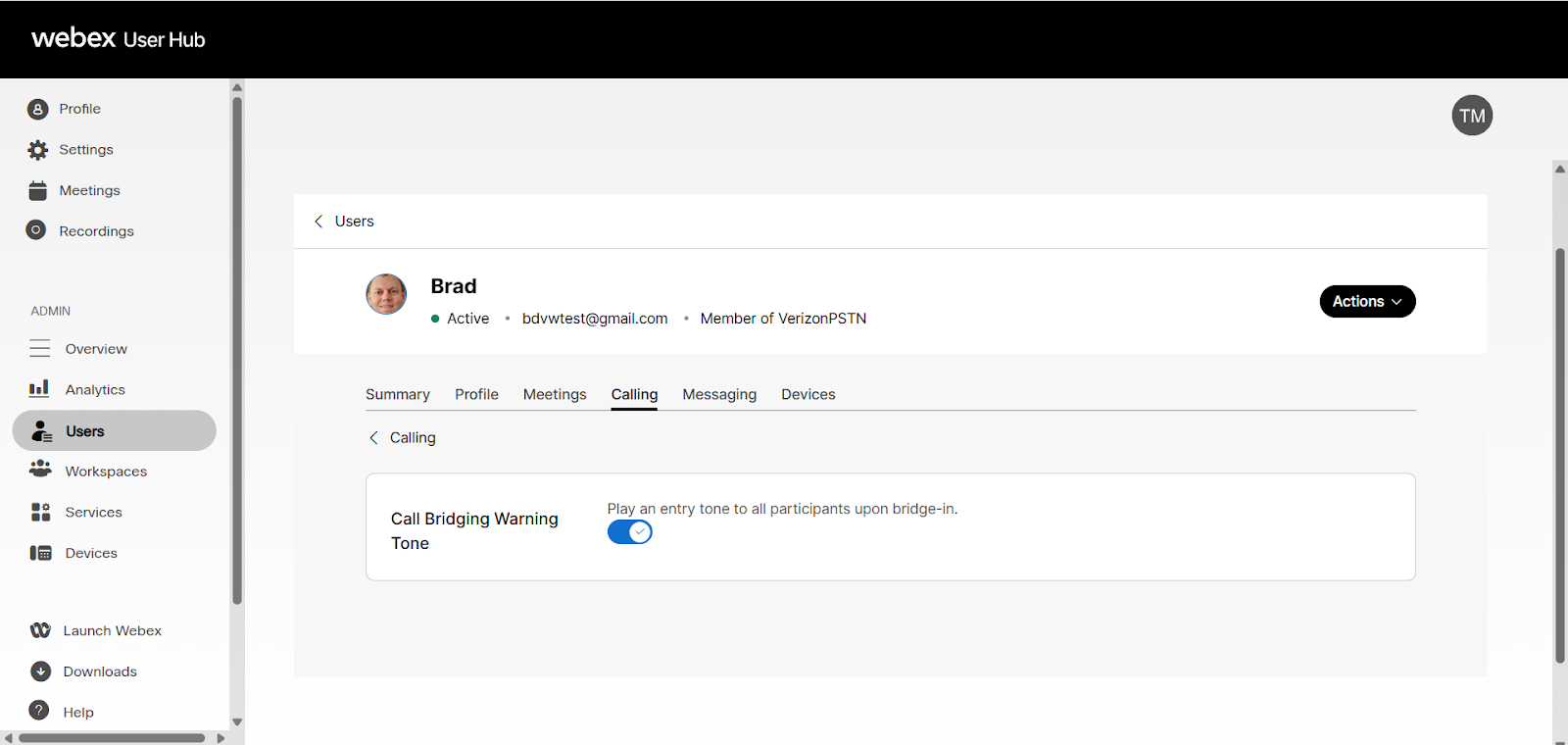
- The call bridging warning tone is turned on by default and can be managed in the User Hub portal.
Manage warning tone
To configure the warning tone for the call bridging feature:
- Log in to User Hub.
- Click Users.
- Select the user to manage.
- Click Calling.
- Select Call Bridging Warning Tone under the Between-user permissions section.
- Click the toggle to enable the feature.
Note: This setting is for the target of barge in, and not the phone number that barge in is done from. - Click Save.